00:00:00:00 For venues, hotels, villas and the people who film them
Film the venue. Skip the timeline.
AfterRushes is an AI film editor that runs on your own computer. Add the clips from a venue or property shoot and it watches every one, puts the spaces in a clear order, from the arrival to the view, and hands you a tour film and a vertical teaser.
Up to 100 clips · Limited changes included No card · No AI key
- Camera, gimbal and phone footage
- No uploads
- No editing experience needed
00:00:04:00A real venue
29 clips in. A 2:43 film and a vertical teaser out.
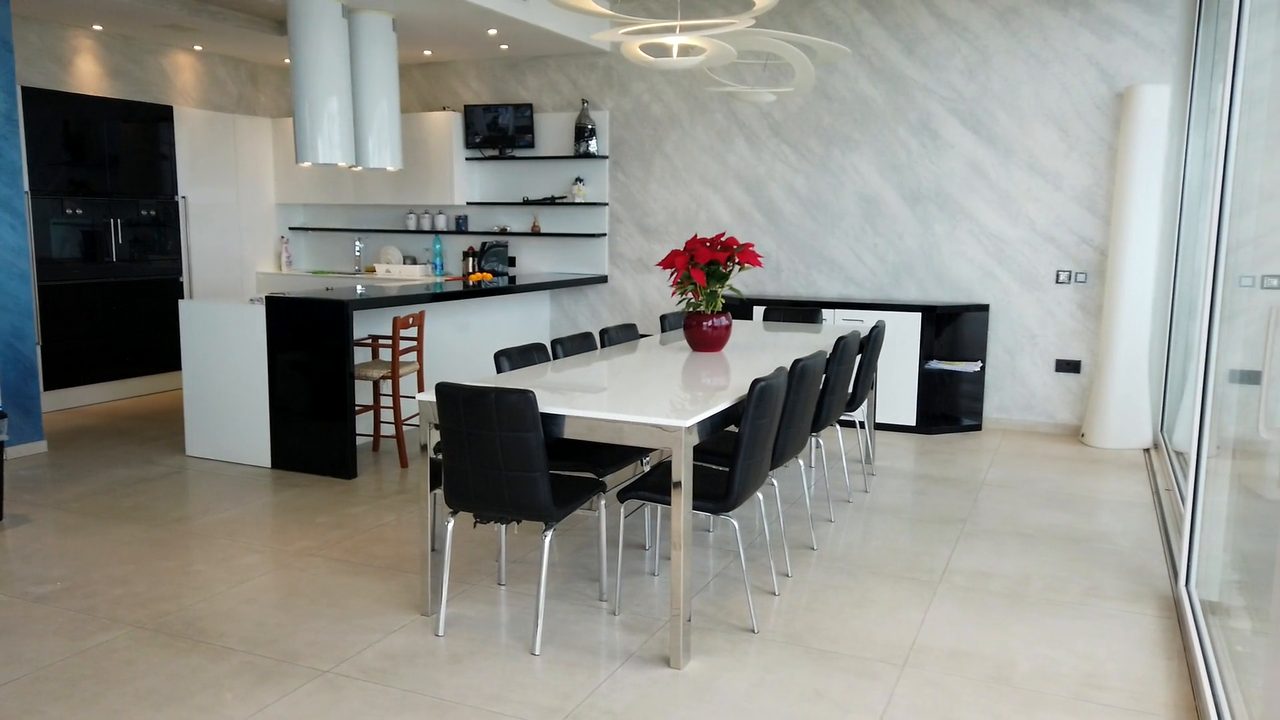
Of 29 clips (14.2 minutes, 3.8 GB) for a property tour of Jackson Ridge, a villa in Malta, the AI spotted one from a Vienna walking tour and left it out. The rest became a 2:43 tour in seven chapters and a 0:30 vertical teaser, both without sound. The AI cost to date is $0.71.
Shown with Jackson Ridge's permission.
How AfterRushes made this film00:00:08:00The problem
The filming was the fun part.
“Every space looks the same in the edit.”
Forty clips of rooms and terraces, and no obvious order to put them in.
“They need it this week.”
Venues and agents want the film while the photos are still fresh.
“The upload takes all night.”
Cloud editors want every clip first, and a short walk-through can run to several gigabytes.
“They want a vertical one as well.”
Every tour needs a short for Reels, TikTok and Shorts too.
00:00:21:12How it works
Walk it once. Get the tour.
-
1
Add the shoot
Point AfterRushes at the cards from the walk-through, photos included. It reads several cameras at once and skips junk files.
-
2
It watches every second
It checks every half second for sharpness and shake, and finds the beats of any track you add. All on your computer.
-
3
The AI plans the tour
Claude, Anthropic’s AI, reads still frames and photos, works out a route from the setting to the rooms to the view, and writes the film in chapters.
-
4
Review, tweak, export
Ask for changes in plain English, like a new end card or a shorter tour, or move and trim shots yourself. Then export the film and the vertical teaser.
Live · Since 10 October
- shots cut and placed
- 33,964
- shots colour-matched
- 6,979
- chapters built
- 3,905
- films made
- 984
Anonymous totals from the AfterRushes app. Our own test accounts aren’t counted.
00:01:38:16What it does
It knows the terrace from the hallway.
A route through the place
It orders the spaces the way a visitor meets them: the setting, the approach, the main rooms, the details and the view.
Steady moves kept
It checks every half second for blur and shake, and keeps the smooth part of each move.
Colour that matches
AfterRushes colour-matches the shots, so the film looks of a piece from room to room.
Notes you can act on
It leaves suggestions beside the cut: a shot to add, an end card with the agent’s details, a track to choose.
A vertical teaser
A 30 or 60 second teaser for Reels, TikTok and Shorts, cut from the same landscape clips.
Photos in the film
It uses the stills from the shoot too, and can hold one with a slow zoom.
00:02:04:00You stay in charge
It tells you what it saw.
Notes the AI left beside its first cuts of these venues, in its own words.
- Ask for changes in plain English.
- Prefer hands-on? Move, trim or delete any shot on the timeline.
- Undo is always there, and only the shots that changed re-render.
Property tour · How AfterRushes made a property tour of Jackson RidgeThe 'final_cut' clip is a Vienna walking-tour vlog that has nothing to do with this property, so I left it out, and no music was supplied, so the films still need a track.
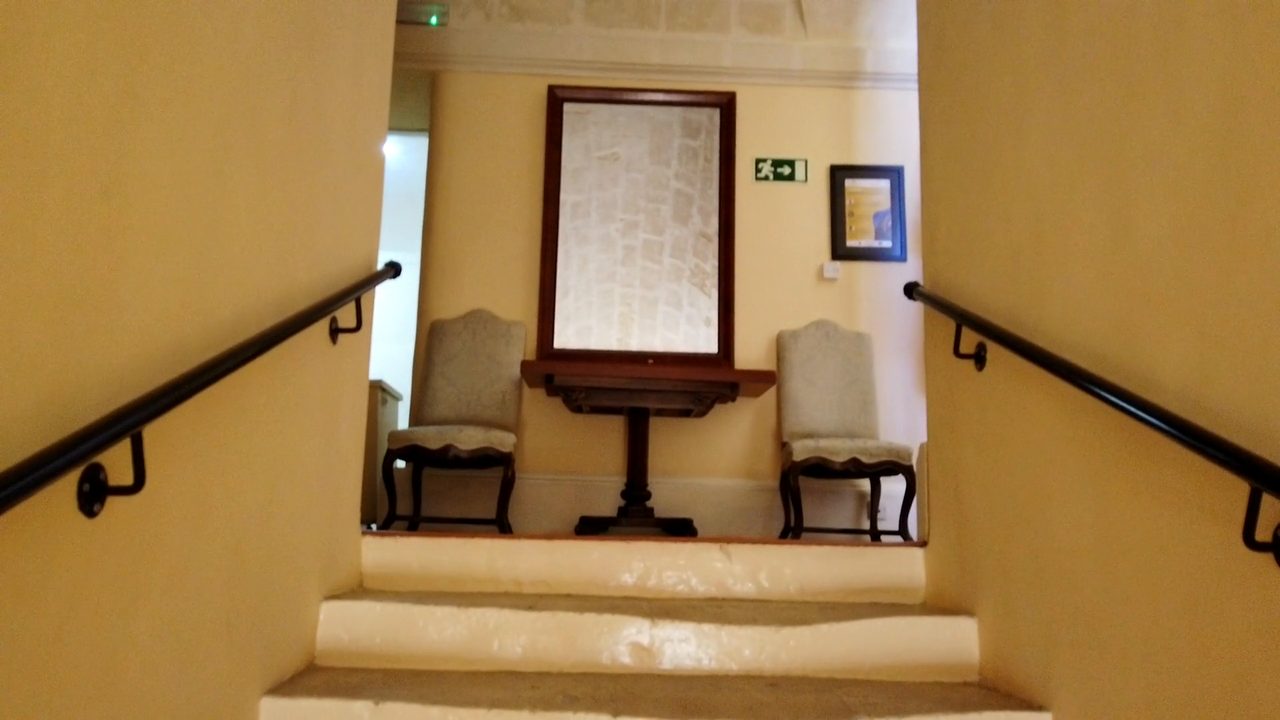
Hotel tour · Dolmen Resort HotelThe brief spells the name "Domen Resort Malta" but the sign reads Dolmen, so I used "Dolmen Resort Malta" on the title cards; switch it back if Domen was intended.
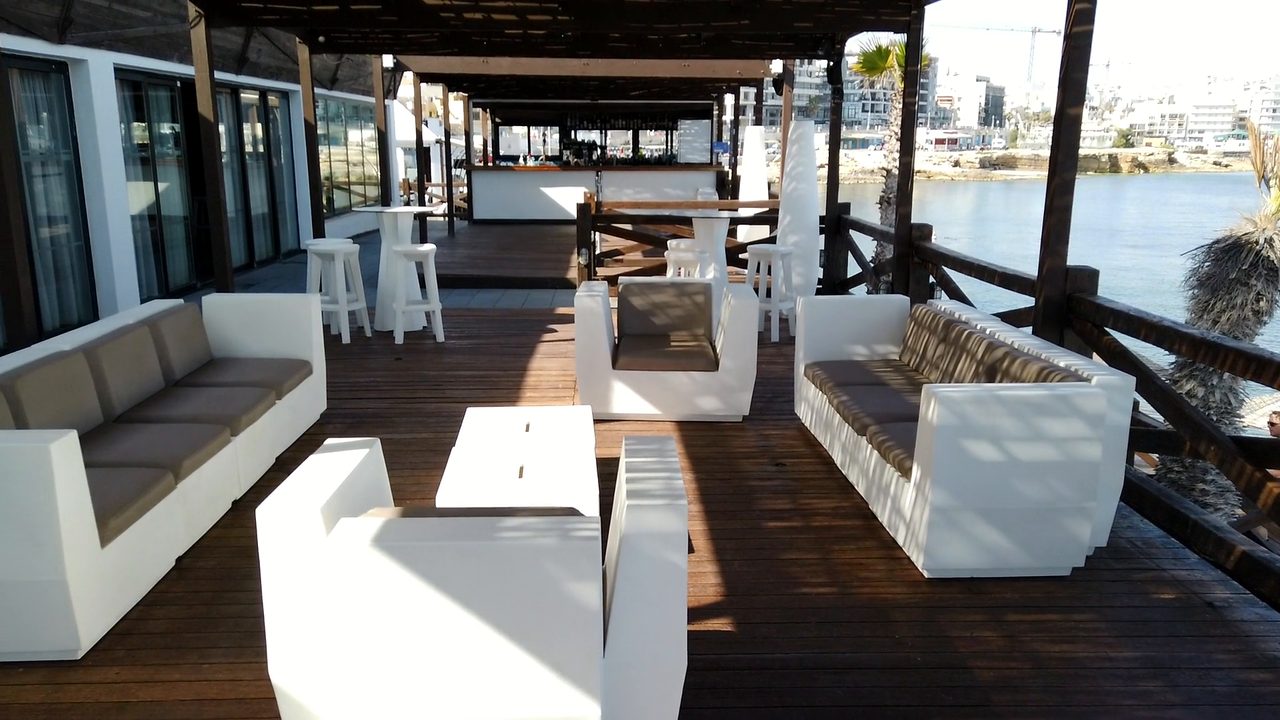
Venue film · How AfterRushes made a venue highlight film of Villa Bighi in MaltaChange the end card to 'Villa Bighi · Kalkara, Malta' to name the location more precisely.
00:02:20:00Case studies
Films it made, and how.
Each case study shows the film, the numbers behind it, the AI’s own notes and what it couldn’t do.
00:01:12:08Your footage stays with you
Nothing to upload. Not one clip.
AfterRushes does all the video work on your own computer. Only still frames, photos and transcripts go to the AI to plan the film. Where your footage goes, in plain English.
00:02:31:12Pricing
Your first film is free. Then pay as you go.
Credits
$15/1,000 credits
The venue films on this page used about 200–250 credits of AI each, including their changes.Bought credits never expire, and bigger packs cost less per credit. No subscription.
Your first film
Free
Up to 100 clips, limited changes included: the fewer clips you import, the more changes you can make. No card needed. Get your free film.
Lifetime licence
$149 once
Use your own Claude key and pay Anthropic directly for the AI. Limited to 100 copies (97 left).
00:04:02:12Questions
Asked most often.
What should I film for a venue tour?
The setting, the approach, each space, the details and the views, with slow, steady moves and a few seconds held at each end. The venue tour shot list.
How long should a venue film be?
The tours on this page run 2:43 to 2:54, each with a vertical teaser of about 30 seconds. You choose the length, and can change it afterwards by asking. Which length suits a website, a listing and social media.
Does my footage get uploaded?
No. The video files stay on your computer. Still frames and photos go to Claude, Anthropic’s AI, to plan the film. Where your footage goes.
Does it add music?
The tours on this page have no sound, and the AI’s notes suggest a calm licensed track. Add a track you’re allowed to use and AfterRushes cuts to its beat.
Can I change the order of the rooms?
Yes. Ask in plain English, or move the shots on the timeline yourself. Only the shots that changed re-render. How to order a tour film.
I’m a wedding photographer. Can I offer these to venues?
Yes, and the venues you already work with are the place to start. Venue films for wedding photographers covers what to offer, permissions and delivery.
00:04:10:00Your first film
Your first venue film, free.
Tell us where to send your key. Your free account comes with credits for your first film, and they last 30 days. The film is made on a computer, Windows or Mac.
- Up to 100 clips from your shoot
- Limited changes included: the fewer clips you import, the more changes you can make
- No card, and no Claude key
- Windows or Mac. One free film per computer and per email address
Check your inbox
Your key is on its way.
It can take a minute, and it sometimes lands in spam.
- Download AfterRushes for Windows or Mac, below.
- Add your key. Press “Open in AfterRushes” in the email, or copy the key and paste it into the app.
- Add the clips from your venue or property shoot. AfterRushes shows what the film will use before it starts.
Mac with an Intel processor? Download the Intel version (439 MB).
00:04:30:00Roll credits
Start the film. Then edit the stills.
Add the clips first. AfterRushes works through them in the background while you finish the photos.